Monday, December 6, 2010

Portrait Photography


These pictures are mostly of Elliot, the baby. I changed the top photo of Elliot and his mom into black and white, then increased the Contrast and decreased the Saturation. I cross-processed the second one, then the last two I added an ink-sketch look to them.

Downtown Mall


My class went on the Downtown Mall and took pictures. We then transformed them into objects in the game Where's Waldo. I changed 1-3 things in each photograph, like maybe a line in the brick is changed. Can you find the differences?

Photo Aging

For this picture, I used a picture I took of an old car. I added a Sepia filter, and increased the Grain, and increased the Noise. I used two brushes: the rip brush, and the coffee stains. I also tilted the actual picture to show that back in the old days, they weren't always straight.

Warm and Cool Hands


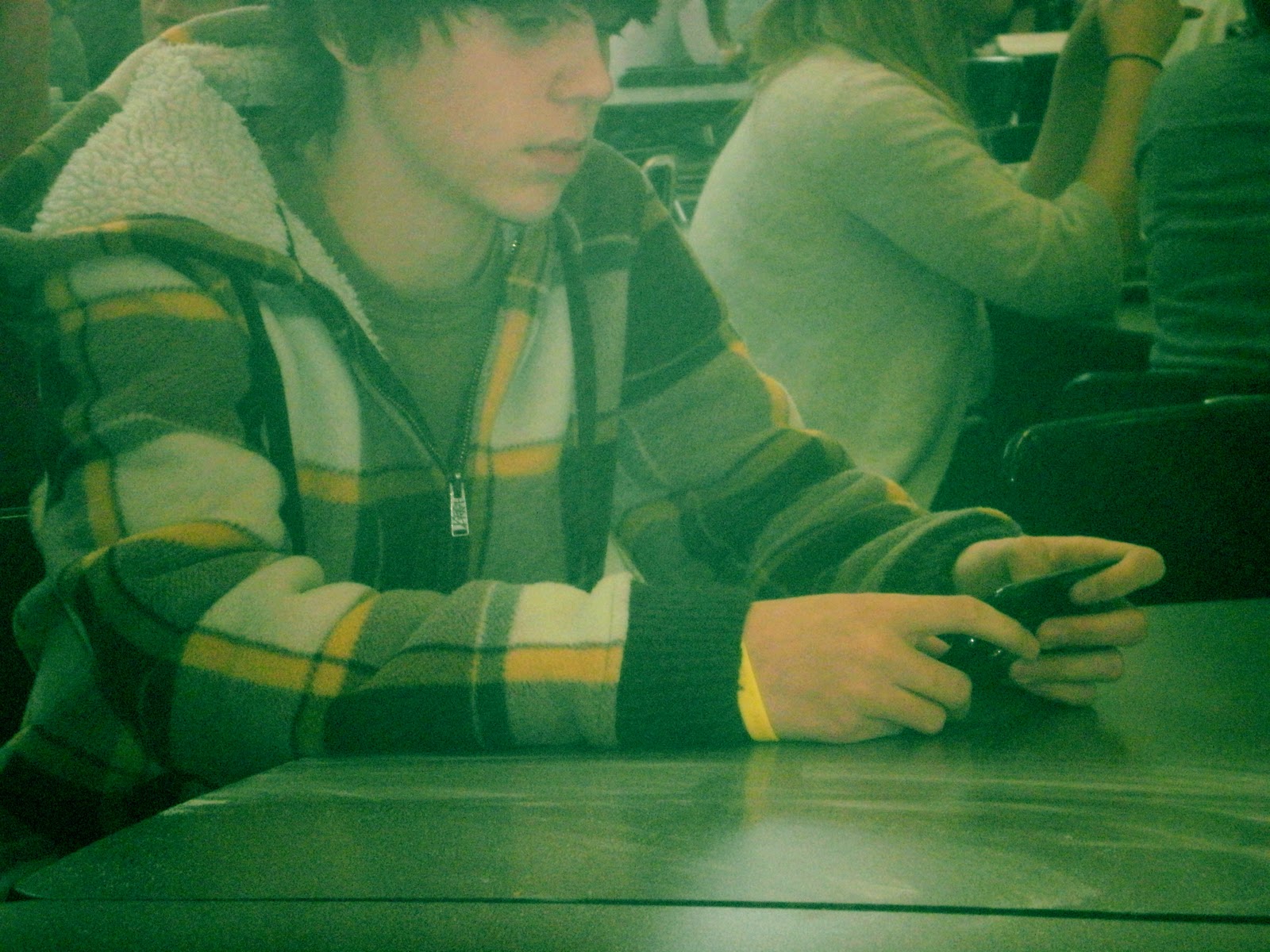
These Warm, Cool, and Emerald tints have added yellow, blue, and green tints to my pictures. 

Friday, November 19, 2010

Collage

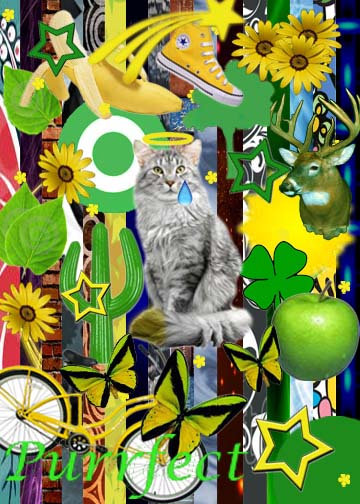
This is my collage. I replicated Virginie Transon. Mine looks like hers because she uses a lot of bright colors, like I did here. Also, I put a domestic animal in the centre just like hers. Both collages have many random objects within them, with two central colours. Both also have a background made up of strips of different coloured backgrounds.


Glowing Lights


I used the pen tool to create two radial designs and a comet. I had to create rays for the comet, and had to use the pen tool to make the ovals to turn in the radial design.

Typography

Typography is when you use letters to create an image. Here, I used O's for the head, body, eyes, and bellybutton. I used D's for the feet. I used H's for the legs, an S for the hair, and a squiggle line for the arms. I created a robot.(: